Call Mori over
Left Ctrl + Shift is the default shortcut. You can change it in Mori’s Settings.
LEFT CTRL+SHIFT
 Release status
 Mori is there for the small moments when something on your screen needs explaining. You point to the context; she helps you think it through.
See what stays in your hands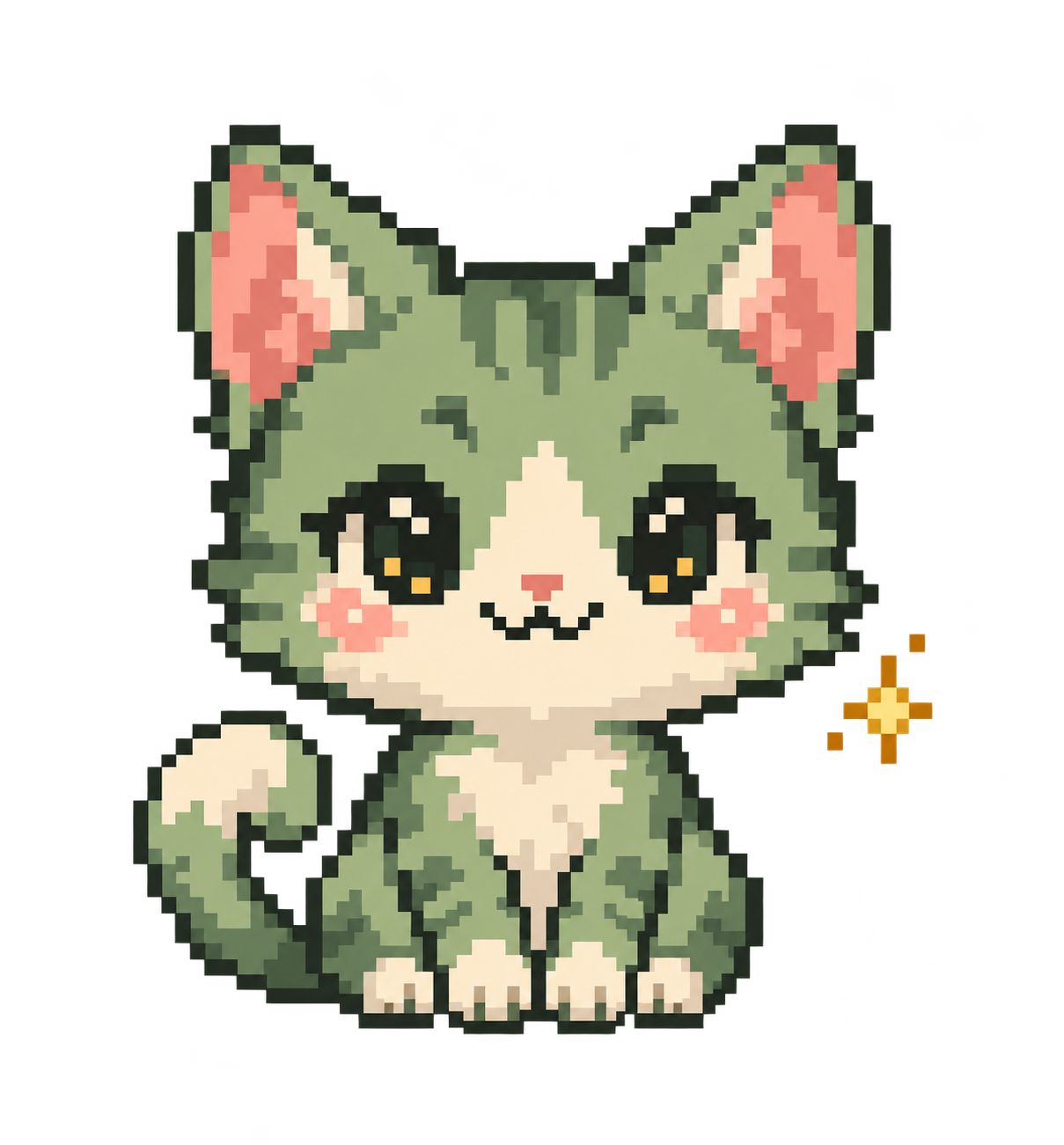 A sample moment · no screen capture
Each part has a clear job. You choose what Mori sees and what to do with her reply.
Left Ctrl + Shift is the default shortcut. You can change it in Mori’s Settings.
Drag to mark a rectangular area of your screen, then ask Mori your question.
Mori explains or prepares a possible next step. You decide what happens next.